
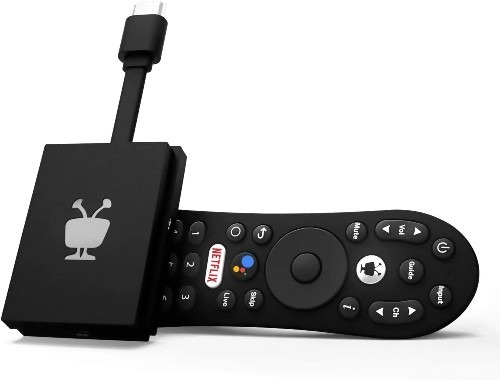
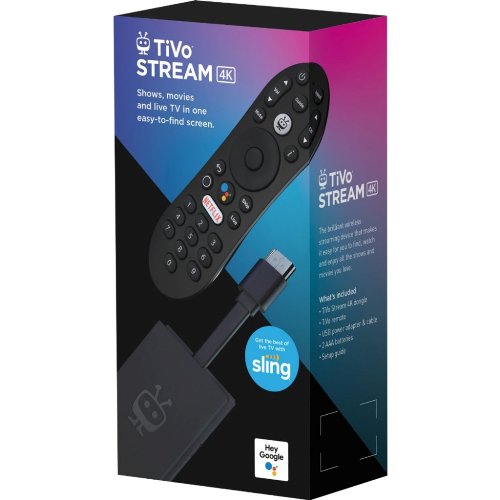
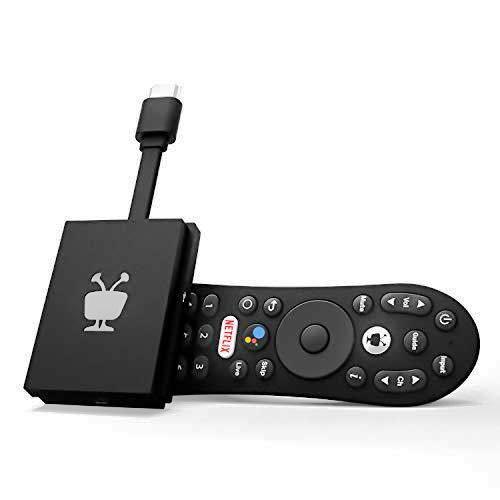
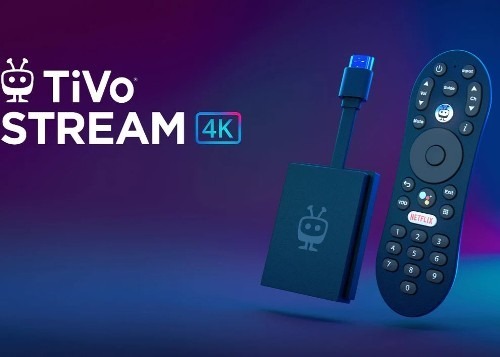
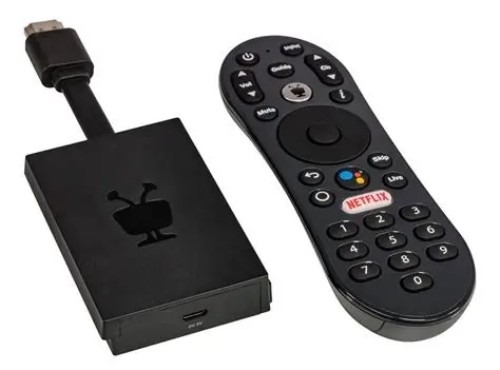
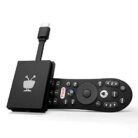
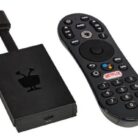
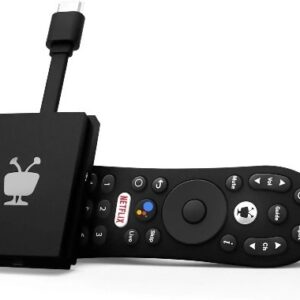
Tivo Stream 4K Every Streaming App and Live TV on One Your Screen 4K UHD, Dolby Atmos
20 products sold in last 9 hours
Selling fast! Over 3 people have in their cart
All Sales are final no return will be accepted. All units sold are brand new in factory sealed boxes. This will help to keep our cost competitive.
22 people are viewing this right now
- Estimated Delivery : Up to 4 business days
- Free Shipping & Returns : On all orders over $200
Set Up TiVo Stream 4K
The first time you turn on TiVo Stream 4K, you’ll follow on-screen prompts to set up your device, activate it, and personalize your TiVo experience. From there, it’s one short step to everything you want to watch.
Connect your TiVo Stream 4K
Set up is literally 1, 2, 3! Three steps, and you’re up and running.

Use only the provided USB adapter. Do not plug directly into a USB port. Failure to plug the provided adapter into a properly powered outlet may result in product malfunction.
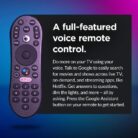
Pair your TiVo Remote
-
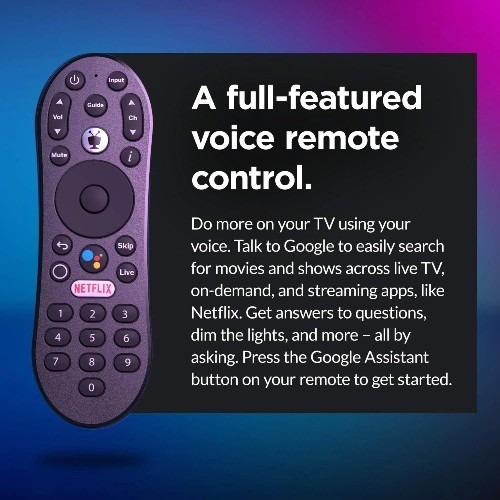
When TiVo Stream 4K starts up, you’ll a screen prompting you to pair your TiVo remote with the device.
-
On the next series of screens, you’ll choose a language, connect your device to your home network, and follow a series of on-screen prompts to set up your device.
-
During setup, you will be prompted to sign in to your Google account. With a Google account, you can use your voice to search for shows, open apps on Google Play, and more with Google Assistant. No Google account? Sign up now.
Note that you do not need a Gmail address to create a Google account.
Only logged in customers who have purchased this product may write a review.
Related products
-

-

-
-

Swisher Sweet Swerve
$1.49 -

High Tea Herbal Wraps
$1.89 -



Reviews
There are no reviews yet.